Works with

Install WLED Touch Remote
Flash the firmware onto a supported ESP32 Cheap Yellow Display directly from the browser.
The installer performs a clean flash for reliable setup. Saved settings on the remote may be reset.
-
Connect
Plug the CYD into your computer with a data-capable USB cable.
-
Install
Click Install, choose the ESP32 serial port, then tap the setup target on the CYD when prompted.
-
Connect
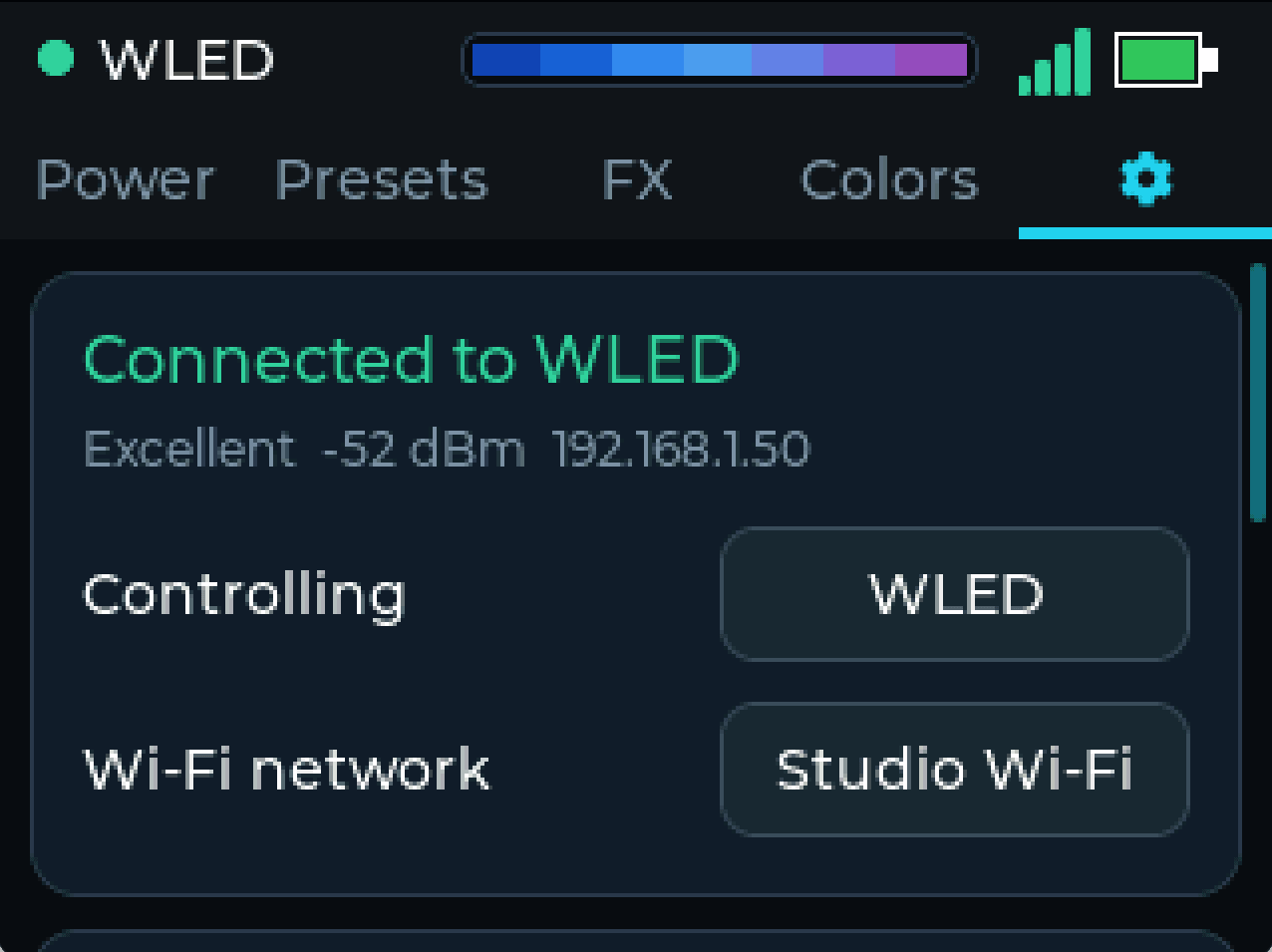
On the remote, open Settings → Wi-Fi, join your 2.4 GHz network, then select your WLED controller.
What's on the display
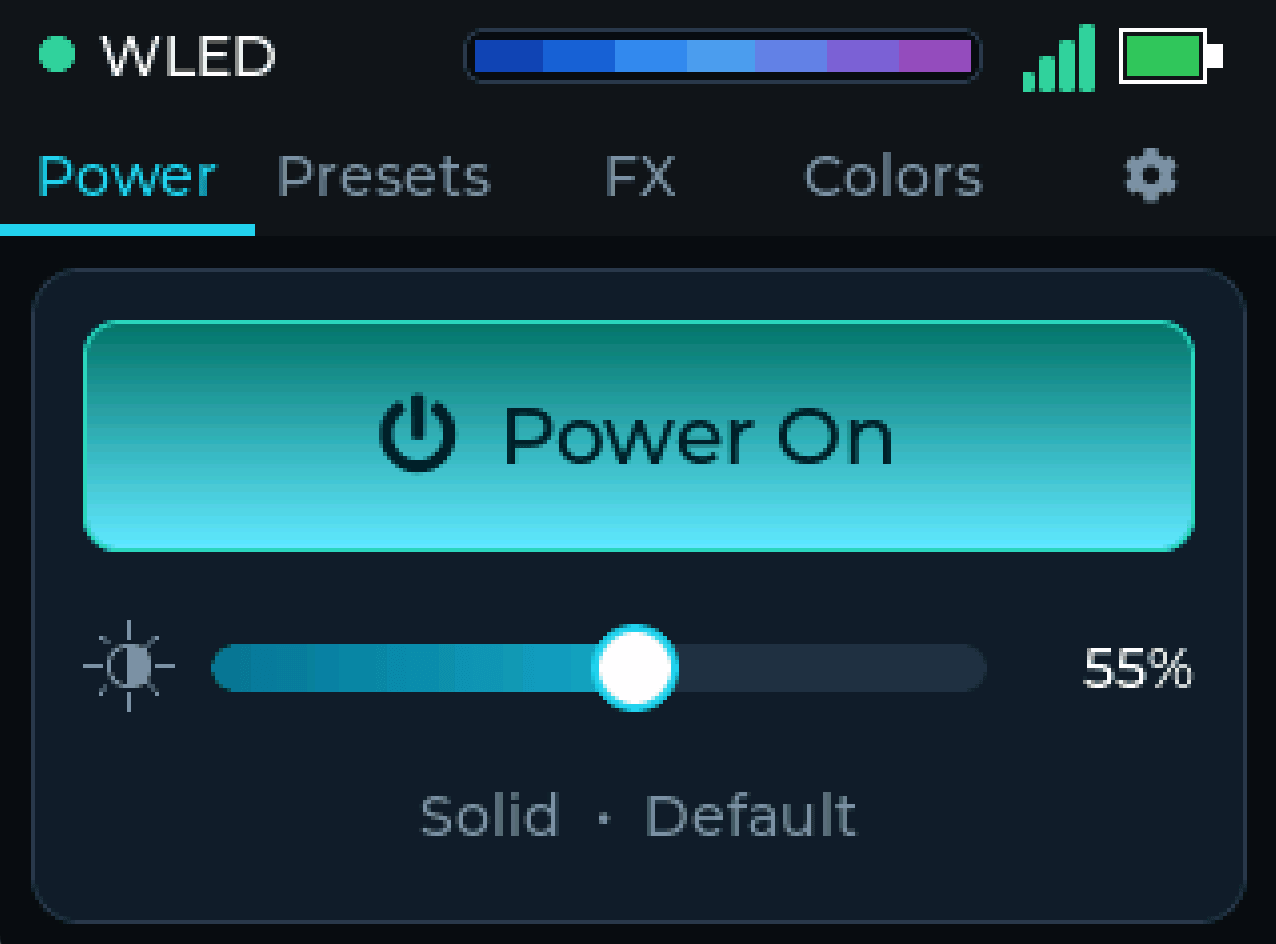
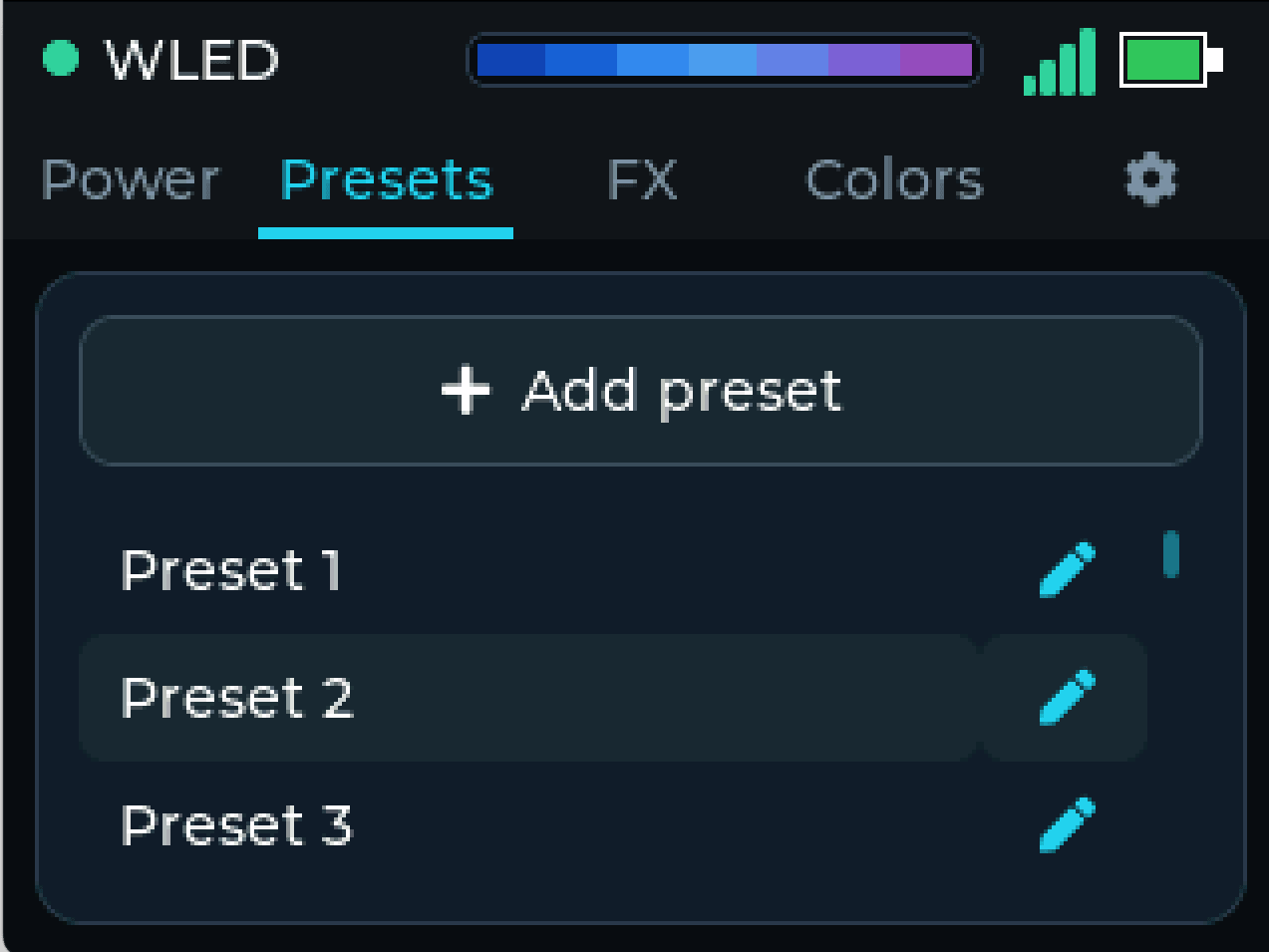
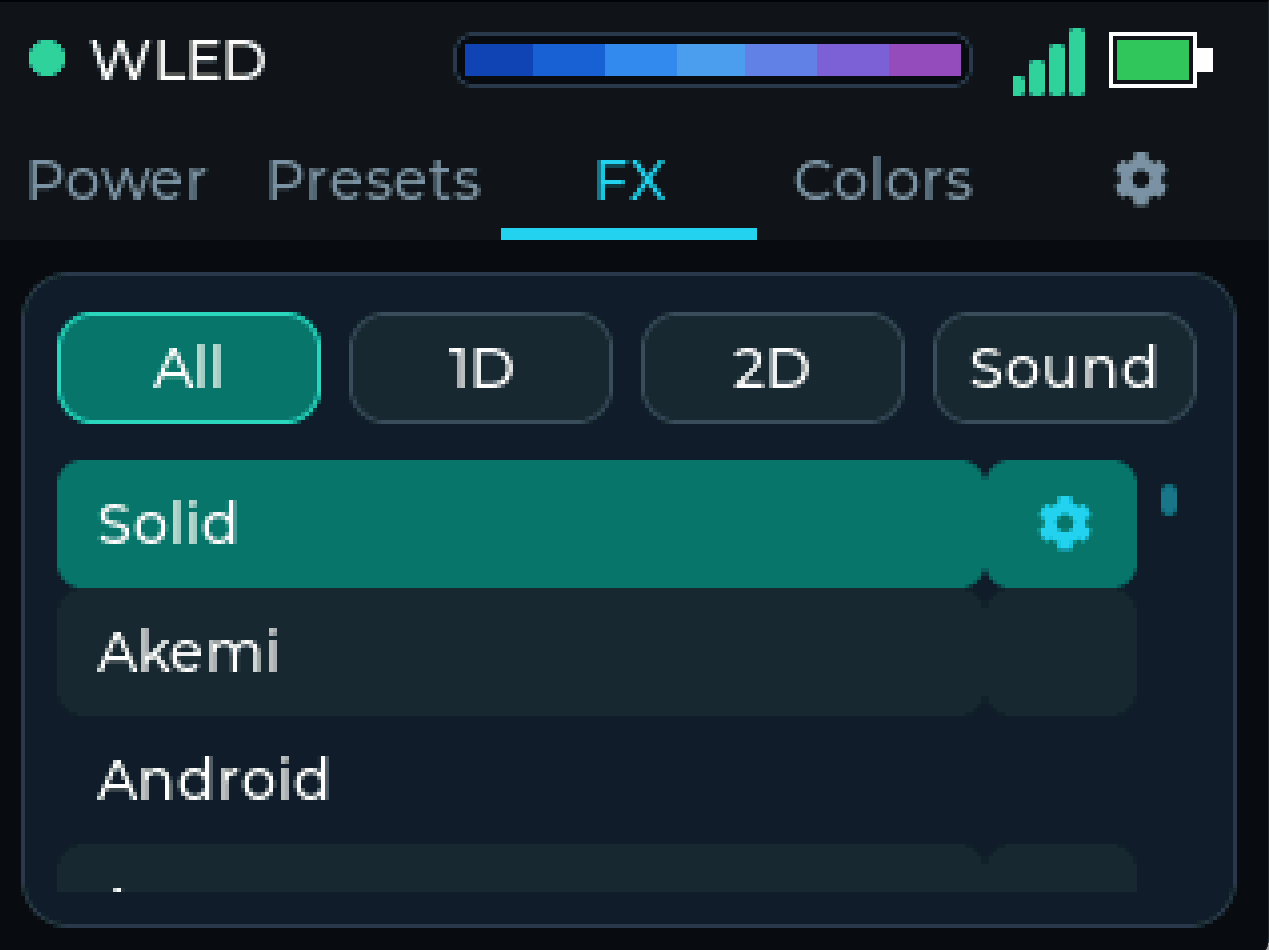
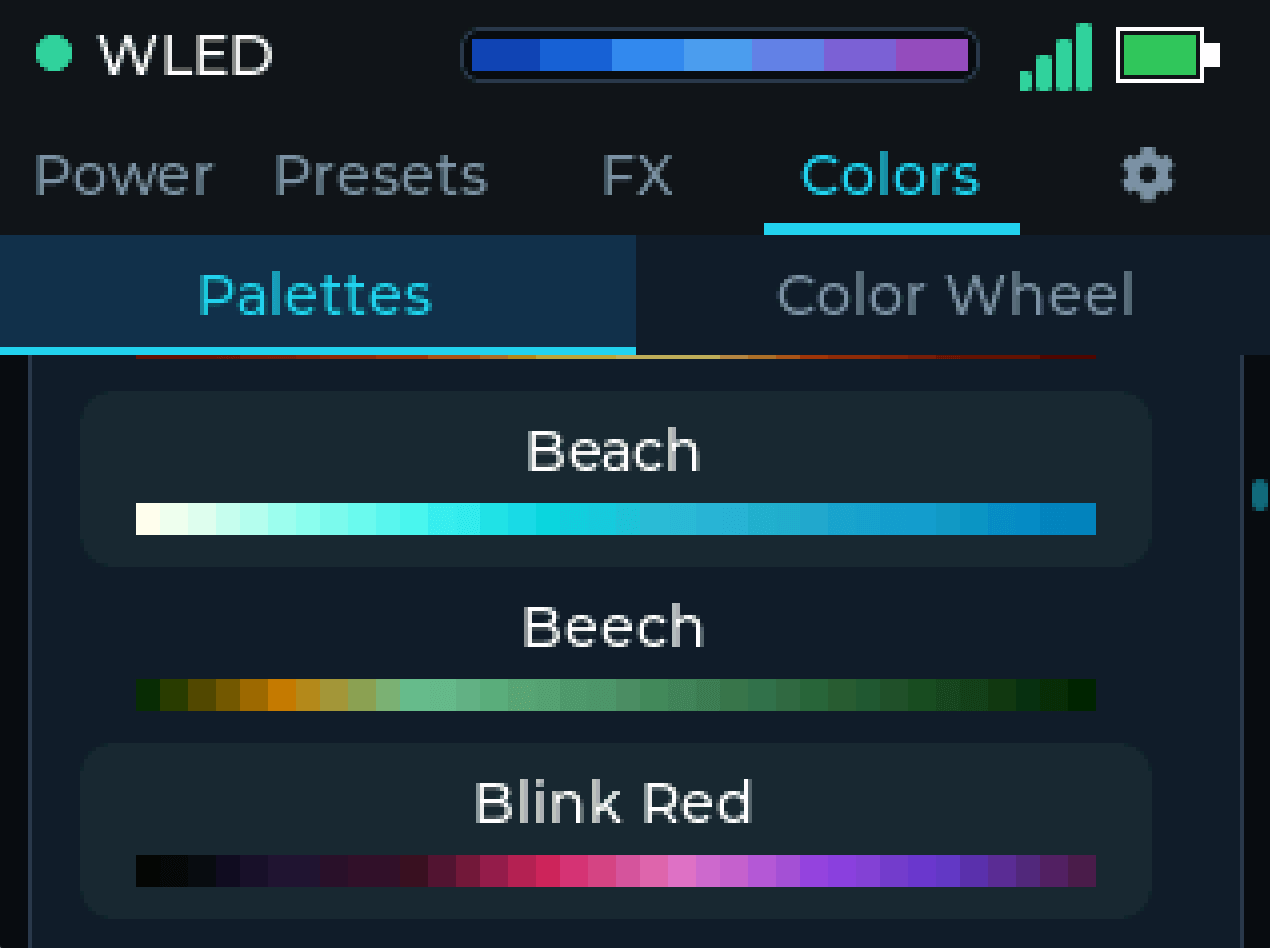
A touch UI for controlling WLED over Wi-Fi - power, presets, and effects.